
Start with a smooth surface
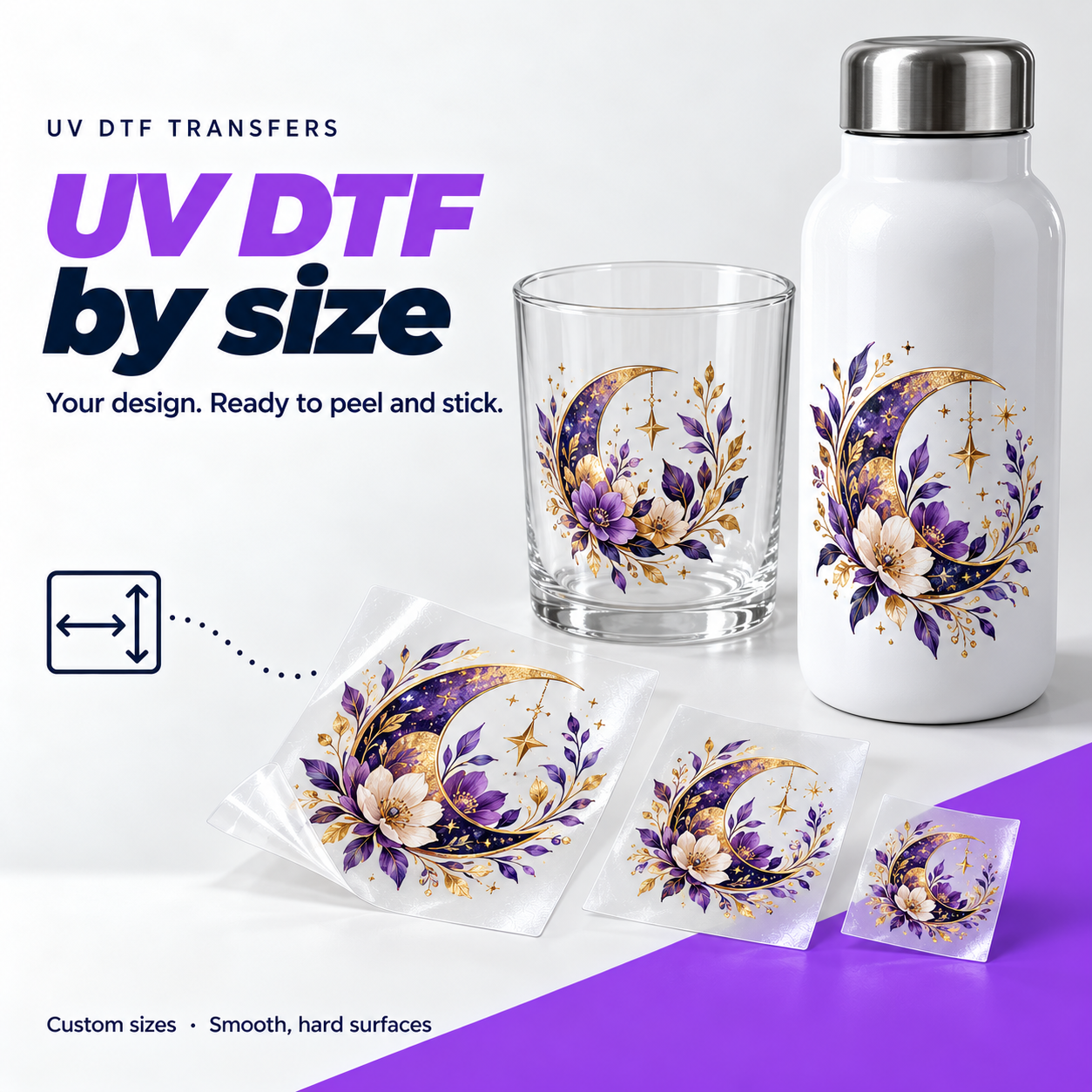
Think glass drinkware, acrylic signs, metal bottles and other smooth, rigid items. Coatings and texture affect adhesion, so test unfamiliar surfaces first. This is a different product from the DTF used on clothing.
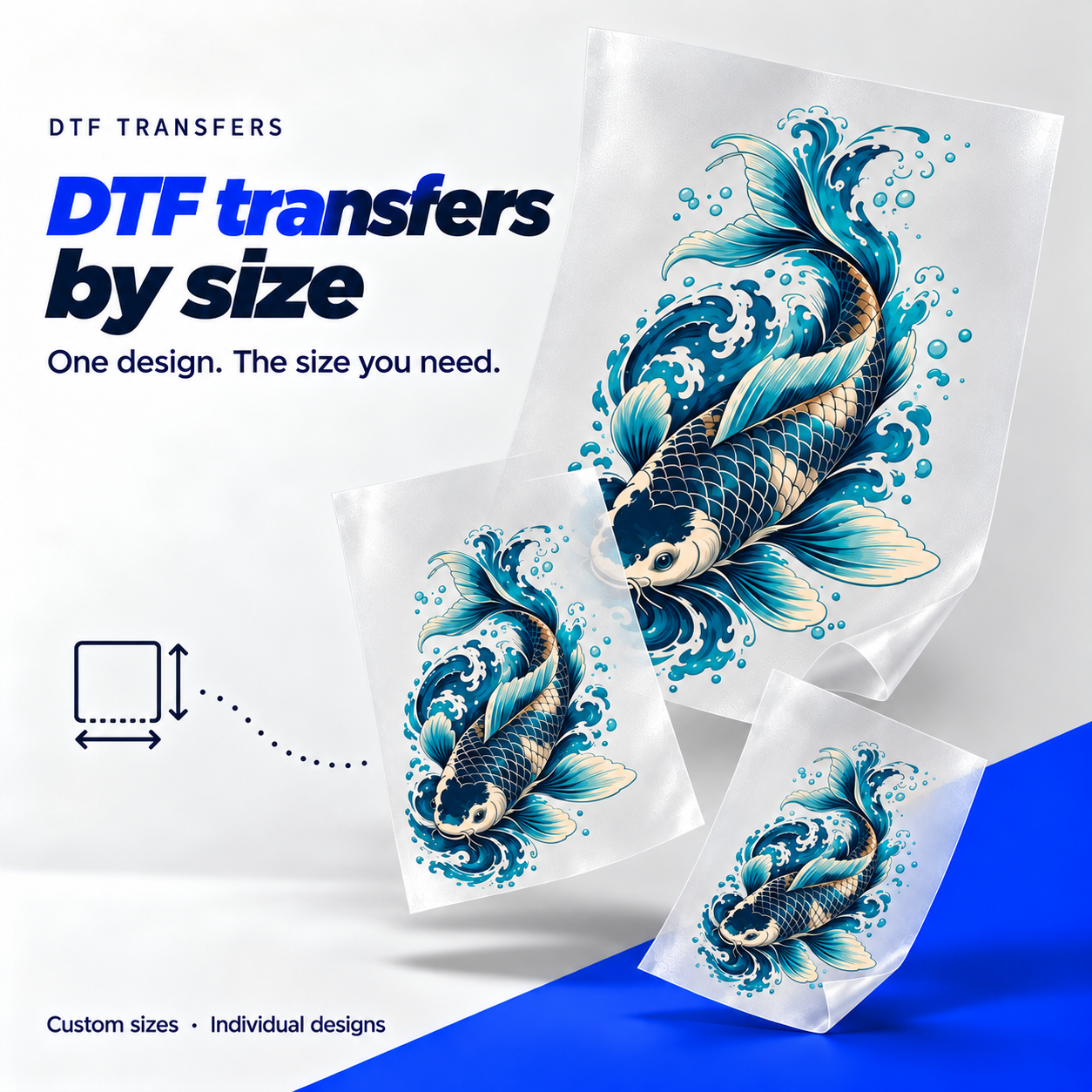
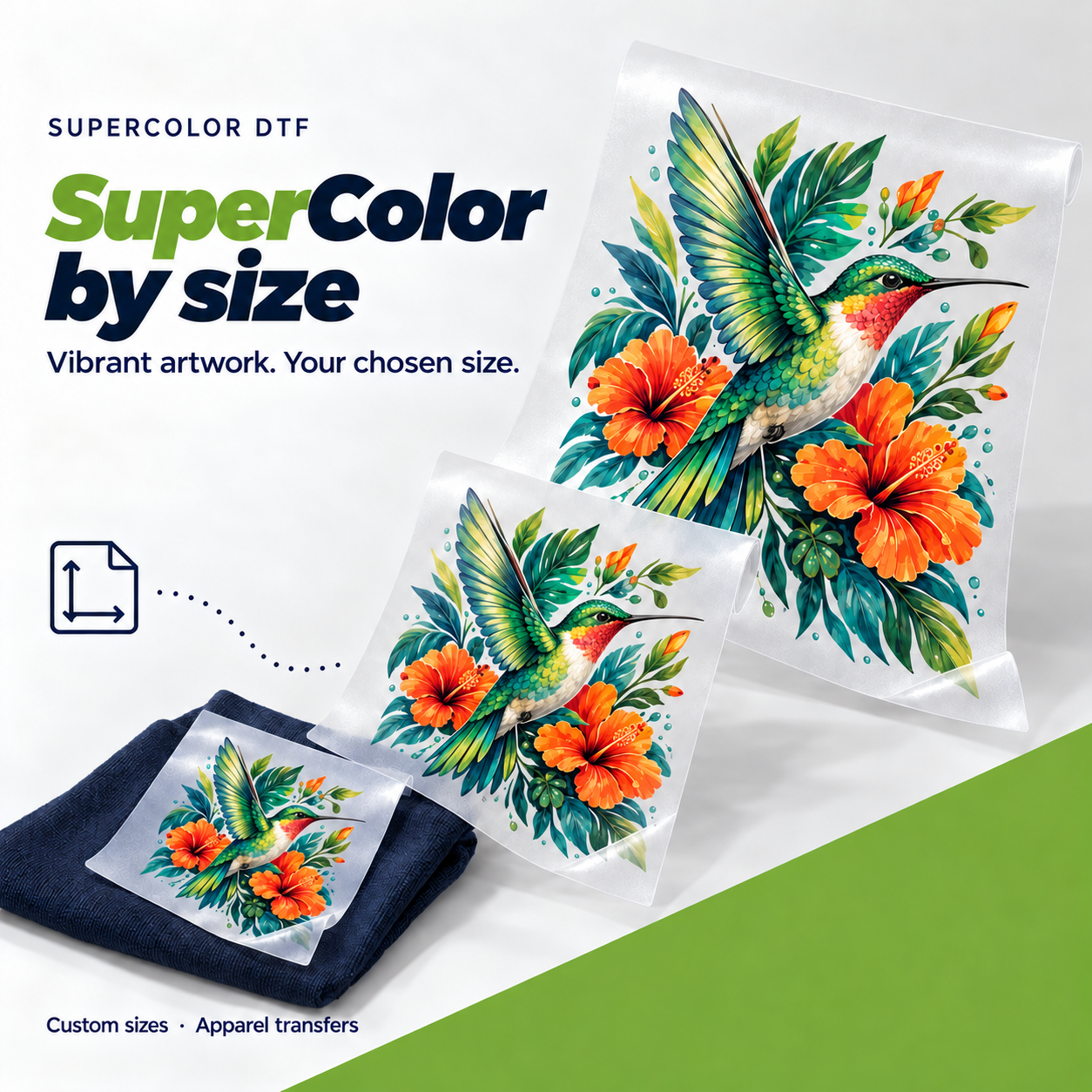
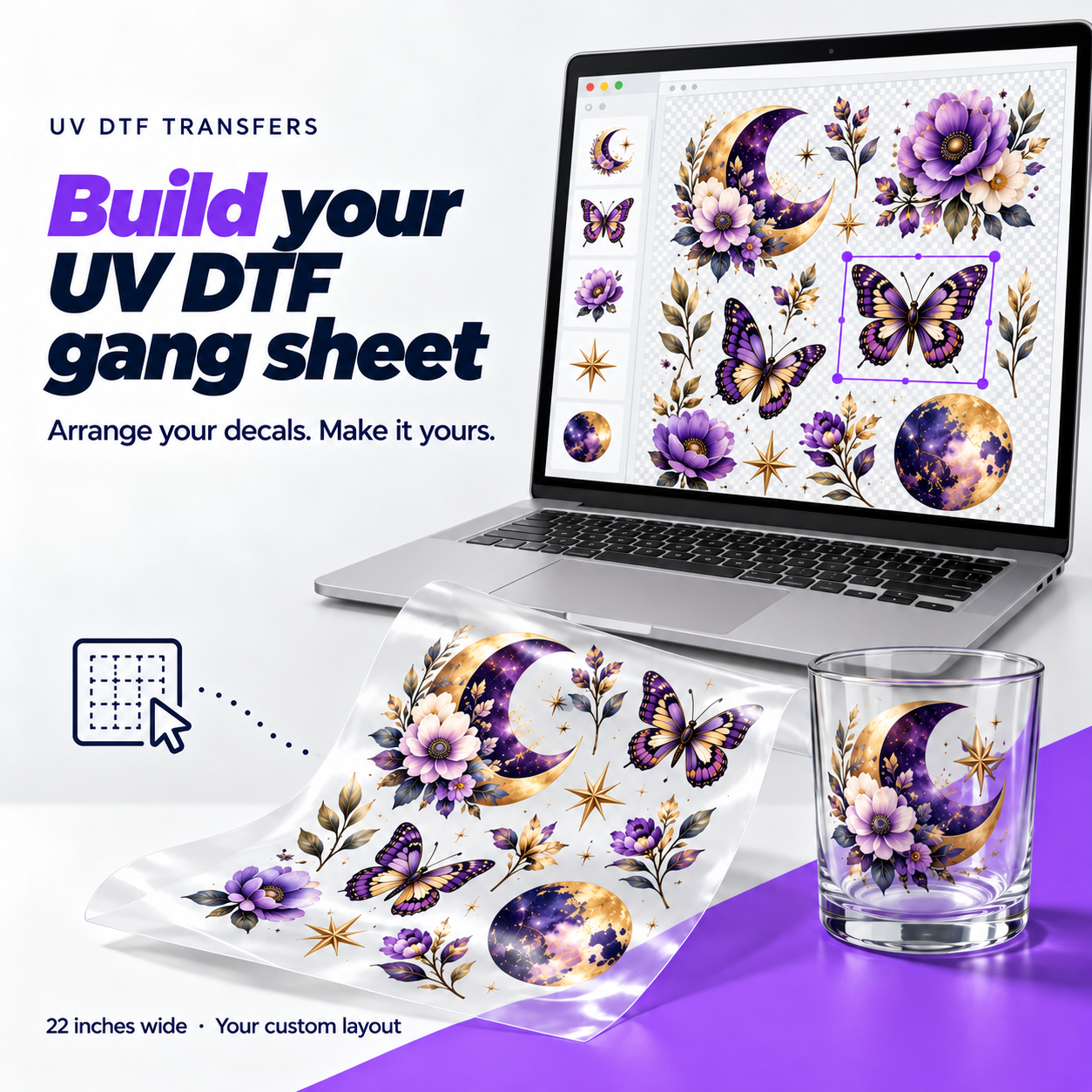
Upload a design and enter its print size and quantity. Add a row for each additional size.
Loading your order form…
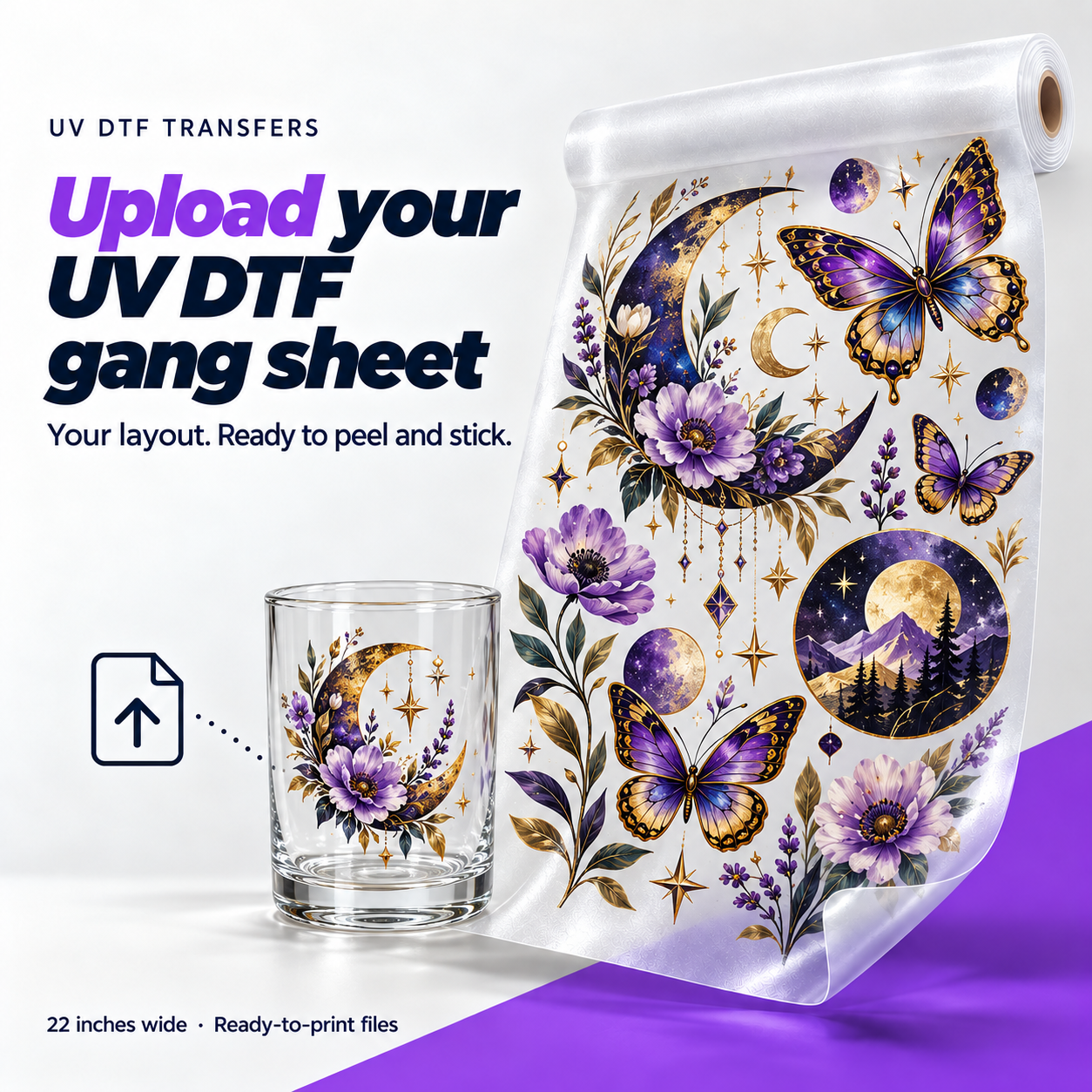
UV DTF is a printed transfer for smooth, hard objects. The printed design arrives on clear carrier film. The ink is cured with UV light during printing; you apply the finished transfer with pressure, without a heat press.
Ordering one logo or a few names? Upload each design, set its print dimensions and choose how many you need.
Think glass drinkware, acrylic signs, metal bottles and other smooth, rigid items. Coatings and texture affect adhesion, so test unfamiliar surfaces first. This is a different product from the DTF used on clothing.
Clean and dry the object. Remove the backing, position the design, then rub firmly across the whole transfer. Lift the clear carrier slowly, checking that small details stay on the object.
After you remove the carrier, the printed artwork remains with a glossy finish. Check your file for unwanted backgrounds: any background in the artwork becomes part of the print.
Hand wash decorated drinkware and avoid abrasive scrubbing over the print. Keep designs on the outside of drinking vessels. Follow the application and care instructions supplied with your transfers.
PPI tells you how many image pixels fit into each inch of the print. Low resolution can leave edges and text looking blurry. Use a higher-resolution original or reduce the print size. Enlarging the preview does not add detail.
No. It's only there so you can inspect the design. A background that is part of your image will print.
Proportions are locked so the design keeps its shape. Turn that off only if you want to stretch it, and check the preview.
Yes. Hit Edit on the item, change the size or quantity, and check the new total before you save.