
YOUR TRANSFERS / YOUR ORDER
Your cart
0 items
PRODUCTPRICEQUANTITYTOTAL
Nothing in your cart yet.
Add individual transfers or a prepared gang sheet to get started.

DTF TRANSFERS · MADE TO ORDER
Pick the size, set a quantity and get a price on the spot. Single designs from $0.29, or send a full gang sheet if the layout is ready.
Not sure which?

4 × 4 inches for a chest logo, or enter a custom size.
For DTF by size, all designs in the cart count toward volume savings.
Each size is priced separately. Cutting is shown if you add it.
Shirts, hoodies and totes. Full color, applied with a heat press.

A wider color range than standard DTF. For bright gradients and saturated art.

Stickers for mugs, tumblers and signs. Peel, stick and press. No heat press.
Apparel: pick DTF or SuperColor. Hard, smooth surfaces: pick UV DTF.
Starting sheet prices in USD, before promo codes, shipping and taxes. Sheet sizes vary by product.
| Transfer | Best for | Application | Available formats |
|---|---|---|---|
| DTF Transfers | Everyday apparel, logos and photographs | Heat press | Individual prints by size or prepared gang sheets |
| SuperColor DTF | Apparel with vivid colors and demanding gradients | Heat press | Individual prints by size or prepared gang sheets |
| UV DTF Transfers | Suitable smooth mugs, bottles and signs | Firm pressure · no heat press | Individual stickers by size or prepared gang sheets |
Drop in a PNG, JPG or WebP. Transparent PNG is best: anything left in the background will print.
Enter the print dimensions and quantity. Want the same art at three sizes? Add all three.
You’ll see the total, any volume discount, and cutting if you added it. Delivery details will be confirmed before payment when you order.
Base prices for DTF by size, before volume discounts, promo codes and cutting.
| 2 × 2 in · Neck label | $0.29 |
|---|---|
| 4 × 4 in · Chest logo | $0.55 |
| 10 × 10 in · Adult front | $3.15 |
| 12 × 17 in · Hoodie front | $6.04 |
ARTWORK TOOLS
Turn an image into a halftone, or plan a rhinestone template. Set the print size in inches or centimeters and check the result before producing it.
Halftone exports a transparent PNG. Rhinestone SVG and cut-stencil options are available to preview; paid checkout opens later.Aim for 300 pixels per inch at the finished print size. A 10-inch-wide print needs an original about 3,000 pixels wide. Enlarging a small image or changing its DPI setting does not add detail. Check fine lines, small text and spelling in the preview.
Screen colors and printed colors can differ. Your display, the artwork and the surface you apply the transfer to all affect the result. If a particular color is important, check a small printed sample before planning a larger batch.
| Product | Volume savings |
|---|---|
| DTF by size | All designs and sizes in the cart count toward the printing tiers. Cutting does not count. |
| SuperColor by size | Priced by design area and quantity. The DTF volume tiers do not apply. |
| UV DTF by size | Priced by design area and quantity. The DTF volume tiers do not apply. |
| Gang sheets | Priced by sheet length. Displayed savings are already included; compare the cost per foot when choosing a size. |
Enter a promo code in the cart. The total shows the savings that apply to the selected products.
Choose DTF or SuperColor DTF for apparel applied with a heat press. SuperColor offers a wider color range for colorful artwork. Choose UV DTF for suitable smooth, hard surfaces; it applies with pressure and does not need heat. Transfers do not include the garments or objects shown in our photos.
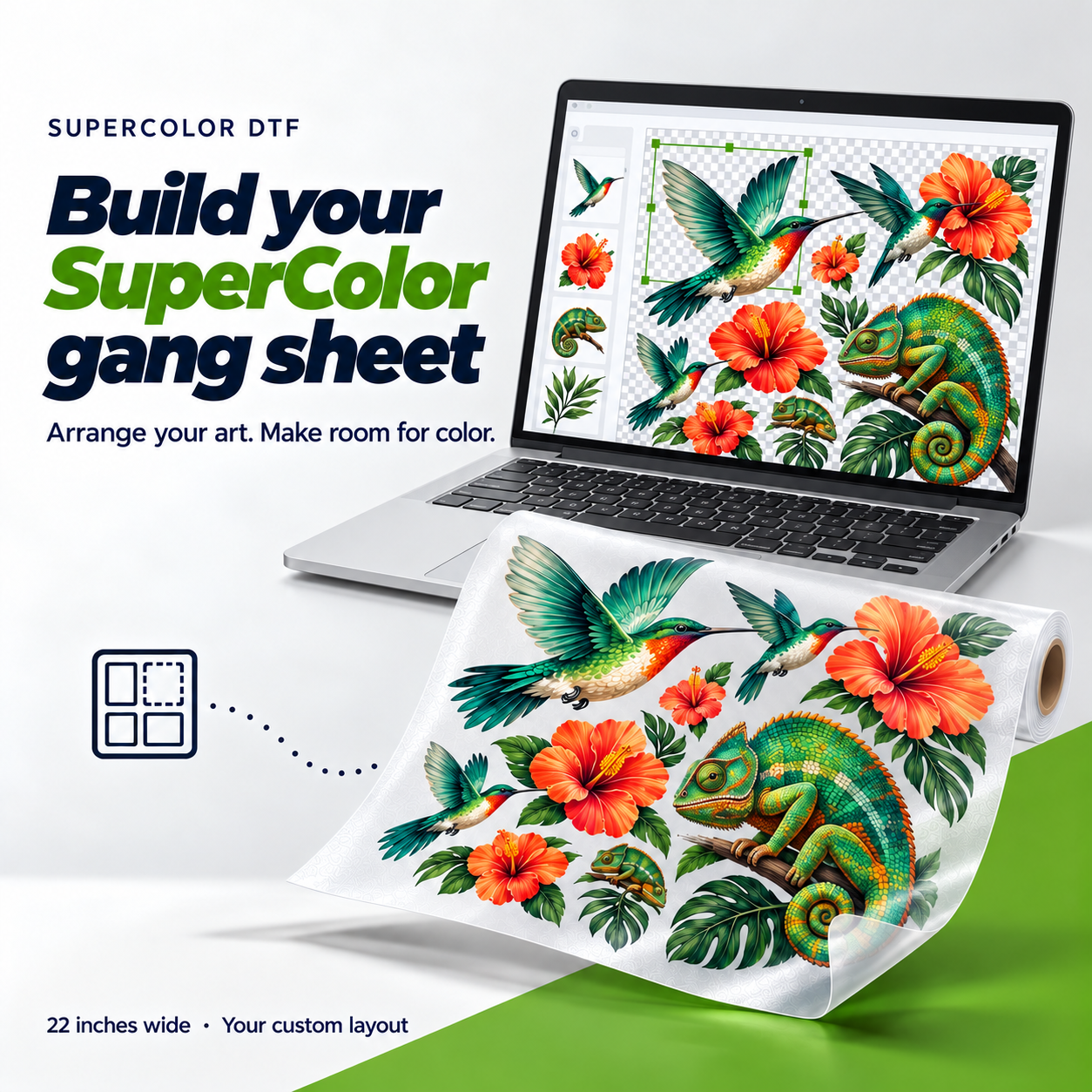
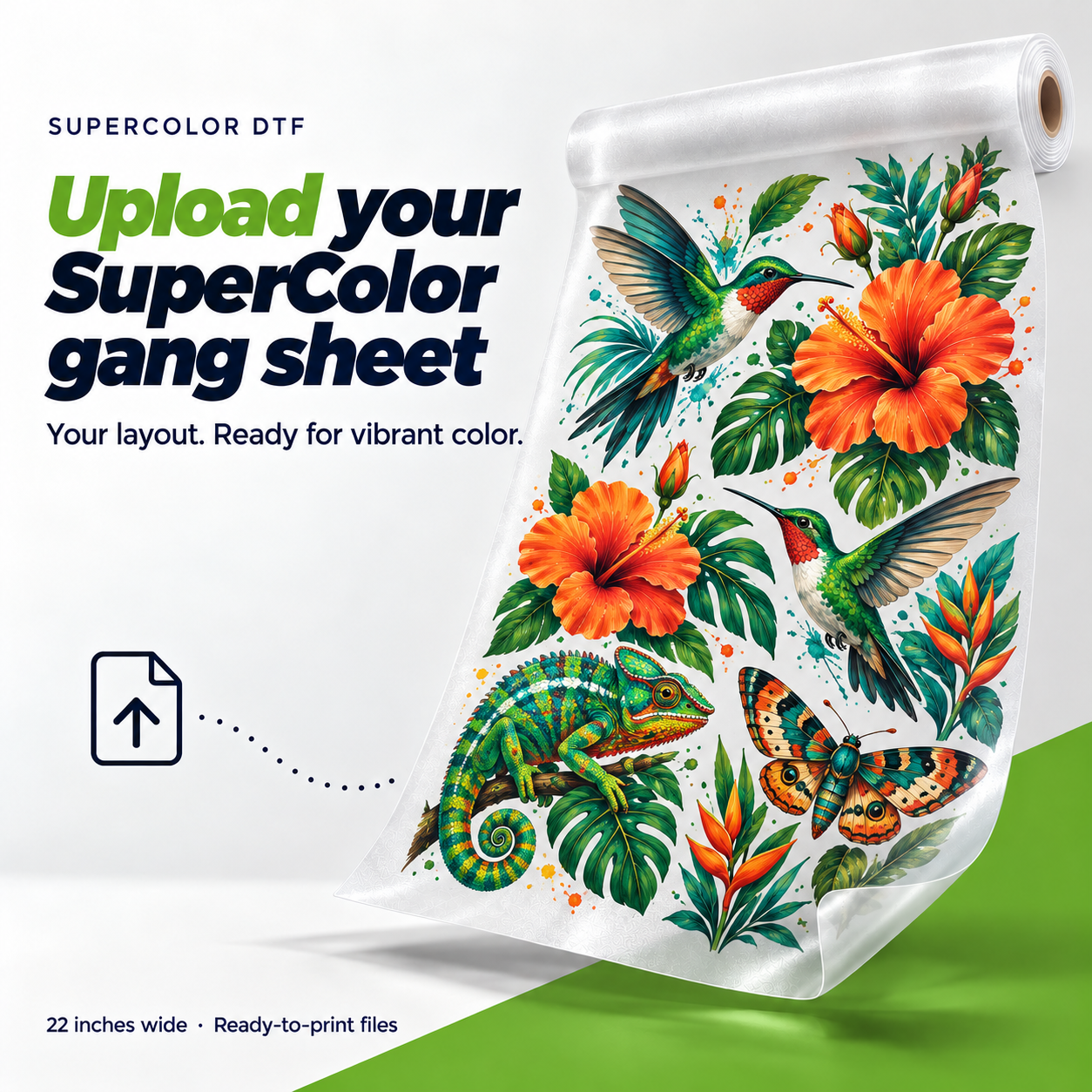
Order by size when you want individual designs with their own dimensions and quantities. Upload a gang sheet if your layout is already prepared. Use the Gang Sheet Builder to arrange several designs online, duplicate them and check the layout before adding it to your cart.
We accept PNG, JPG and WebP. Use a transparent PNG to print the artwork without a solid background. Backgrounds included in your original file will print too. Send artwork you own or have permission to reproduce.
Enter your code in the cart and choose Apply. RASTER10 takes 10% off eligible printing after any applicable volume savings. Cutting, shipping and taxes are separate. The cart shows whether the code was accepted and your updated total.
Free transfer shipping starts at $125 in eligible printing after discounts. Cutting, taxes and physical stencils do not count toward that amount. Physical stencil shipping is separate.
No. A saved cart is a draft, not a paid order or a reserved production slot. Production and delivery details will be confirmed before payment when you order.
Regular DTF and SuperColor Transfers by Size offer optional pre-cut service at $0.35 per piece. UV DTF does not offer that option. Gang sheets arrive as complete sheets; separate the designs before applying them.
Follow the instructions for the transfer you ordered. DTF and SuperColor use a heat press; UV DTF is applied to a clean, dry, suitable hard surface with firm pressure. Test unfamiliar fabrics or surfaces before decorating a full batch. Use the product’s application and care guide.
Free tools to prepare your files. Turn a photo into a halftone, or artwork into a rhinestone template. Set the size in real inches or centimeters, export, and check the file before you print.
Halftone turns gradients and shading into dots or lines. It works well for photos and shaded art. Preview the result against your garment color, then export a transparent PNG at full print size.
Rhinestones turns your artwork into a template of circles, one per stone. Pick a stone size (SS6, SS10, SS16…) or type your own diameter in millimeters, check the spacing, and export an SVG at actual size.
SVG file: $4.95 · Cut flock stencil: from $15.95. Stones and transfer film aren’t included. Shipping is extra.
Set the size in inches or centimeters, compare the result with the original, then export and check the file before printing.
Choose transfer sizes, upload a gang sheet and compare prices.
Choose an image or drop it here to get started.
PNG, JPG or WebPUpload artwork, set its size
and choose how to place your stones.
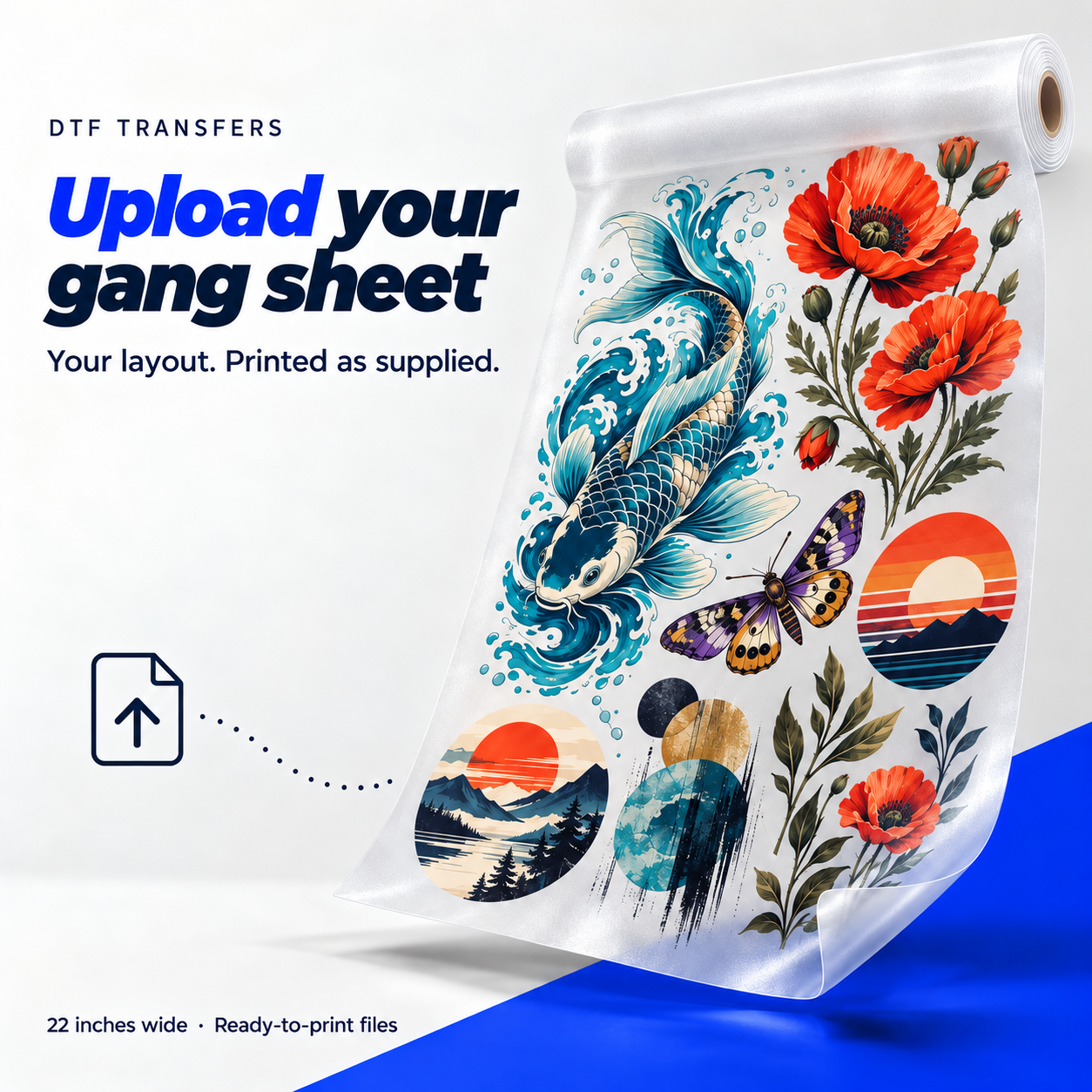
Already laid out your sheet? Upload it as is. We print the sizes, spacing and placement you set.
Still arranging your designs?
PNG, JPG or WebP · files stay in your browser.
Your file is the finished layout. Check it at the size you want printed.
Use the full 22-inch width and match the selected sheet length. At 300 PPI, the file is 6,600 pixels across. Enlarging a small image does not restore detail.
Transparent PNG is best. JPG and WebP also work, but backgrounds left in the file will print. PDF, AI, PSD, EPS and TIFF are not supported here.
Keep every design inside the document and leave enough space to separate the transfers. Check spelling, orientation and small details. We keep your layout together.
Use the application instructions for the selected transfer product. Final pressing and care instructions will be supplied when you order.
All options are 22 inches wide. Rates are USD per sheet, before shipping and taxes.
Set your document to 22 inches wide and match its height to the sheet length you choose. All 22 inches are usable. At 300 PPI, the file is 6,600 pixels wide. Leave enough space between designs to separate the transfers.
The finished-sheet uploader keeps your layout together. It does not arrange individual designs for you. Check that the file’s proportions match the selected sheet and that every design is already at its intended print size.
Add another gang sheet for a different file. Change the quantity to order more copies of the same layout. Each upload can have its own sheet size, quantity and notes.
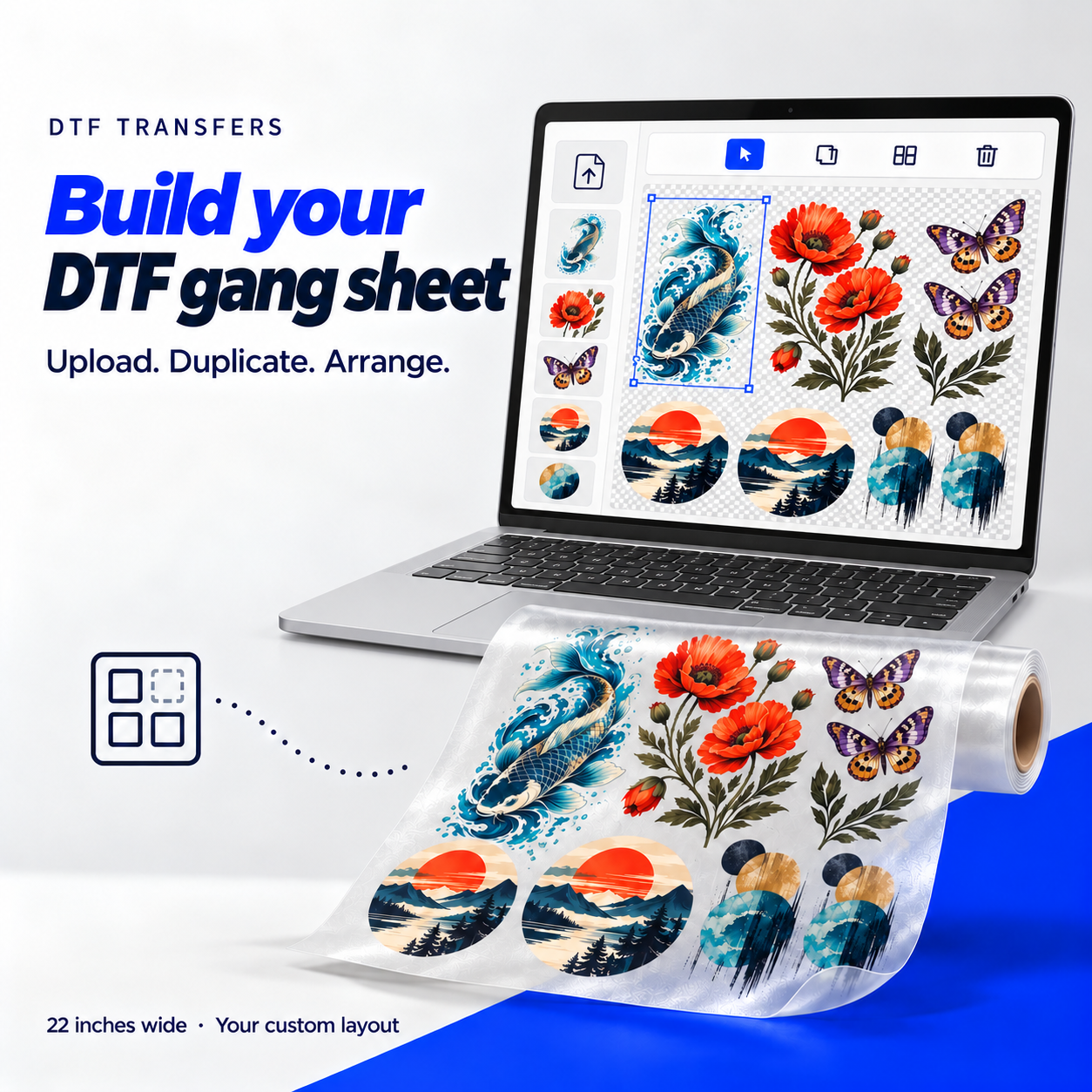
Use the Gang Sheet Builder to upload individual designs, set their dimensions and make copies. Auto arrange positions them on the sheet; Auto fill adds copies of a selected design to fill the current size.

Full-color transfers for logos, illustrations and photographs. Prepare a sharp file and follow the product’s application instructions.
Print the artwork at the size selected in the order. Start with a sharp file; blurry edges do not sharpen in print.
Use the application instructions below and test a small print before pressing a full run.
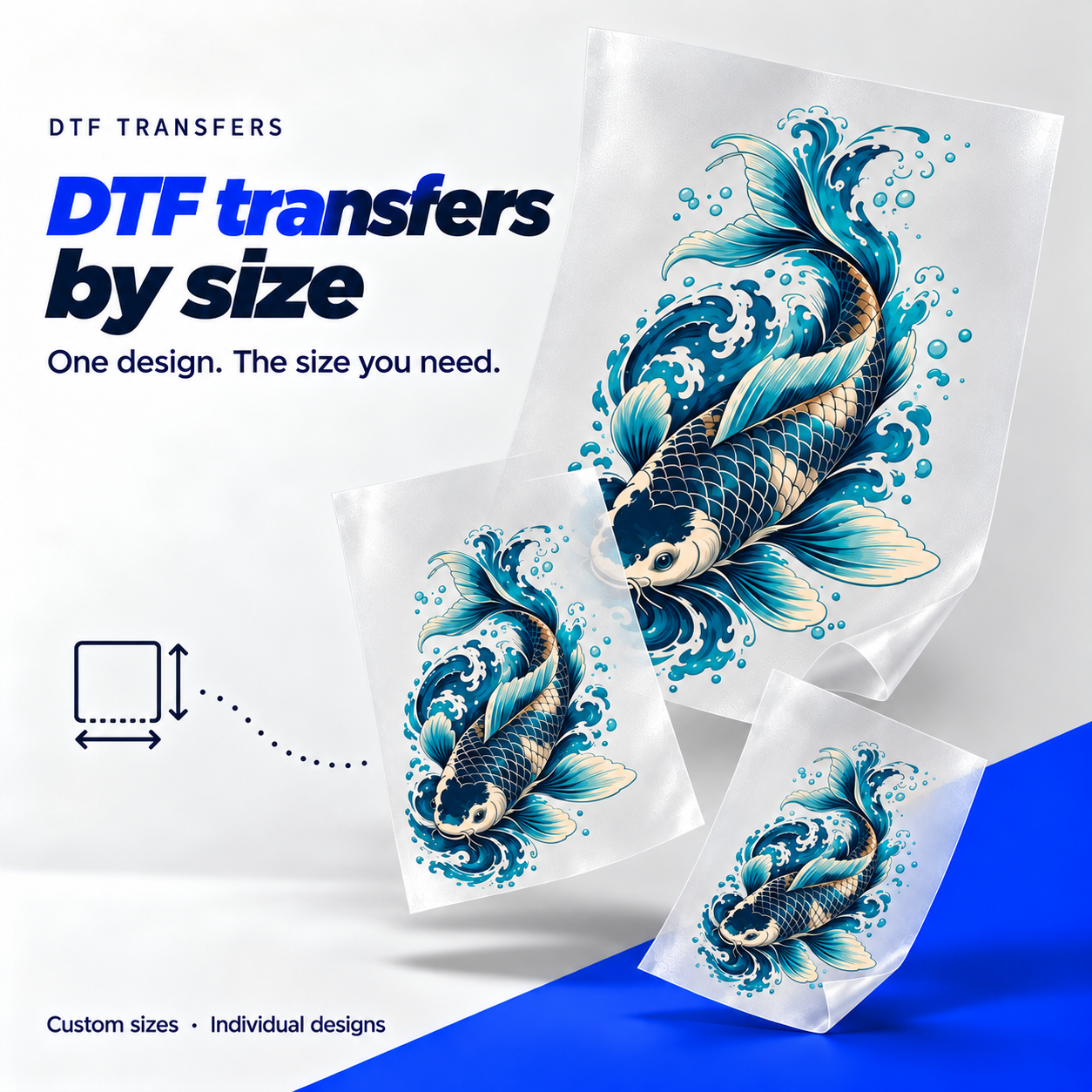
Upload your design, choose how big you want it and tell us how many you need. You can order the same artwork in several sizes.
Upload the original file and check its resolution at the final print size.
Your design opens in the configurator after it loads.
Choose one or several images. A transparent PNG keeps unwanted backgrounds out of your artwork.
The configurator opens with your image already loaded. Add different dimensions and quantities as needed.
Check your design, print size, price and optional cutting before adding it to your cart.
Choose a preset format or use custom dimensions after uploading. These base prices are before volume discounts and optional cutting.
Use a transparent PNG if you do not want a solid image background to appear in the print.
For a 10-inch-wide print, use an original at least 3,000 pixels wide. We’ll show how sharp your image is at the size you choose.
Your image starts with its aspect ratio locked. Preset formats fit the artwork inside the selected dimensions.
Measure the garment and the area you want to decorate. Enter the artwork’s finished width and height, or use a preset as a starting point. Regular DTF by-size dimensions range from 0.5 to 22 inches per side.
Yes. Upload it once, then choose Add a size. Set the dimensions and quantity for each size separately.
Your artwork fits within the selected format with its proportions locked by default. Review the actual width and height shown before continuing. Use custom dimensions when you need a specific finished size.
Choose the optional pre-cut service if you want the individual designs separated. It adds $0.35 per piece. Without it, separate the transfers before applying them.
0 items · 0 sizes · 0 pieces
Files stay in this browser. Nothing is submitted yet.
Add a design to set its print dimensions and quantity. Use another size for a second placement.
Choose a preset or enter custom dimensions. Prices below are per transfer, before volume discounts and optional cutting.
Prices depend on your print area, so turning a design doesn’t change its price. Your artwork keeps its proportions when fitted to a preset. See the examples below.
| Area (in²) | Price / transfer |
|---|
Prices shown in USD. Rates vary by print area and quantity.
A transparent PNG keeps unwanted backgrounds out of your transfer. The preview preserves your file exactly as uploaded.
A 10-inch-wide print ideally starts at 3,000 pixels wide. Changing a DPI tag does not create detail.
Use a preset bounding box or custom width and height. Locked proportions preserve your design.
Checkerboard shows transparency. Solid colors help you review the art; they are preview backgrounds only.
Check spelling, small details and the direction of your artwork. We’ll provide the pressing and delivery information when you order.
PPI compares the pixels in your original file with the size you selected. A lower number can mean soft edges or blurry details when printed. Use a larger original or reduce the print dimensions; changing the preview does not improve the file.
No. The preview background is only there to help you inspect your design. A background that is part of the uploaded image will still print.
Keep artwork proportions links the dimensions so your design keeps its shape. Turn it off only if you intend to change that shape, then check the preview carefully.
Yes. Choose Edit on the item to reopen its settings. Review the new size, quantity and total before saving your changes.
Select a sheet size, upload your print-ready file and choose your quantity. Each sheet can have its own artwork and notes.
PNG, JPG or WebP · files stay in your browser.
Upload your artwork and check the permission box to continue.
Shipping and taxes are separate. Adding artwork to your cart doesn’t place an order.
All options are 22 inches wide. Rates are USD per sheet, before shipping and taxes.
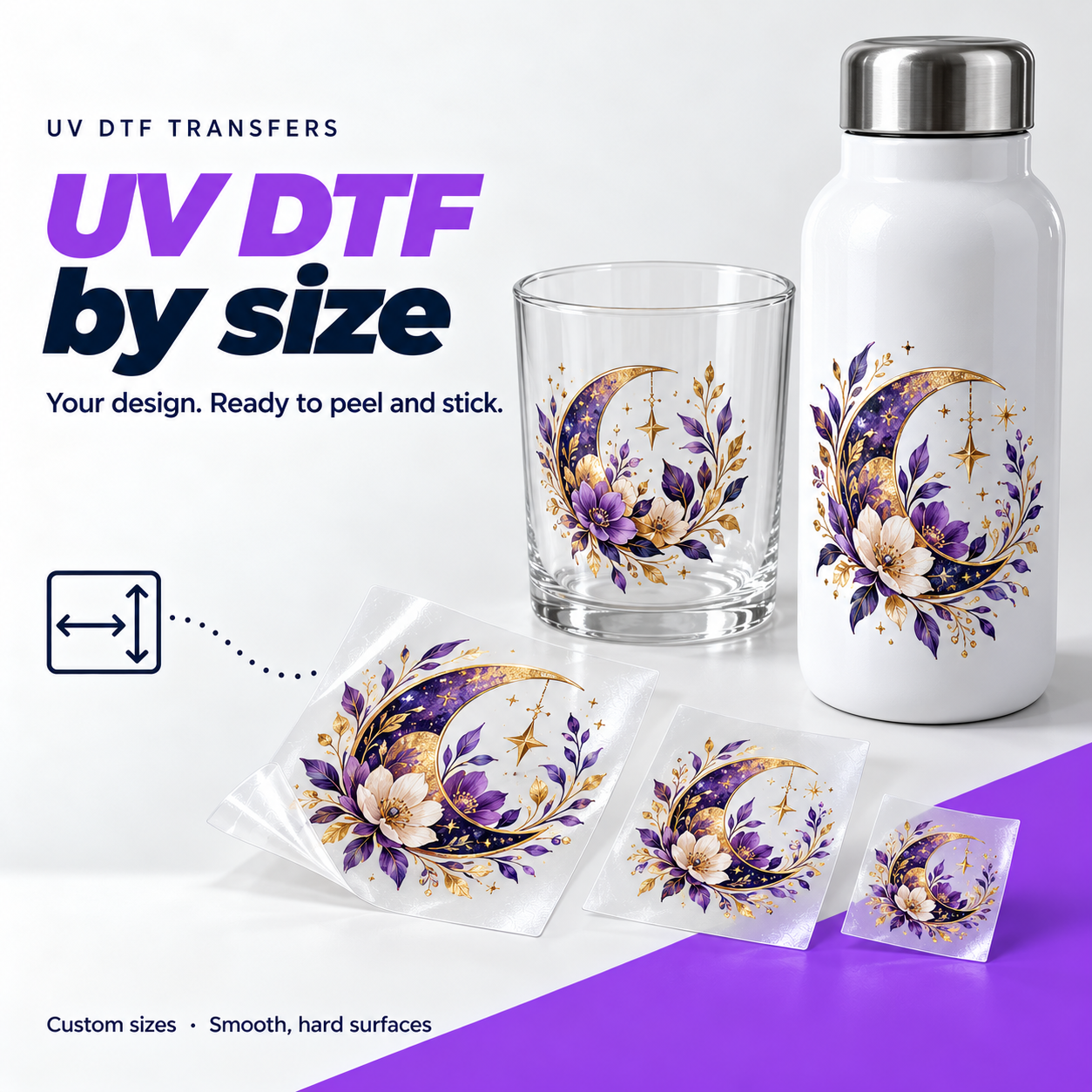
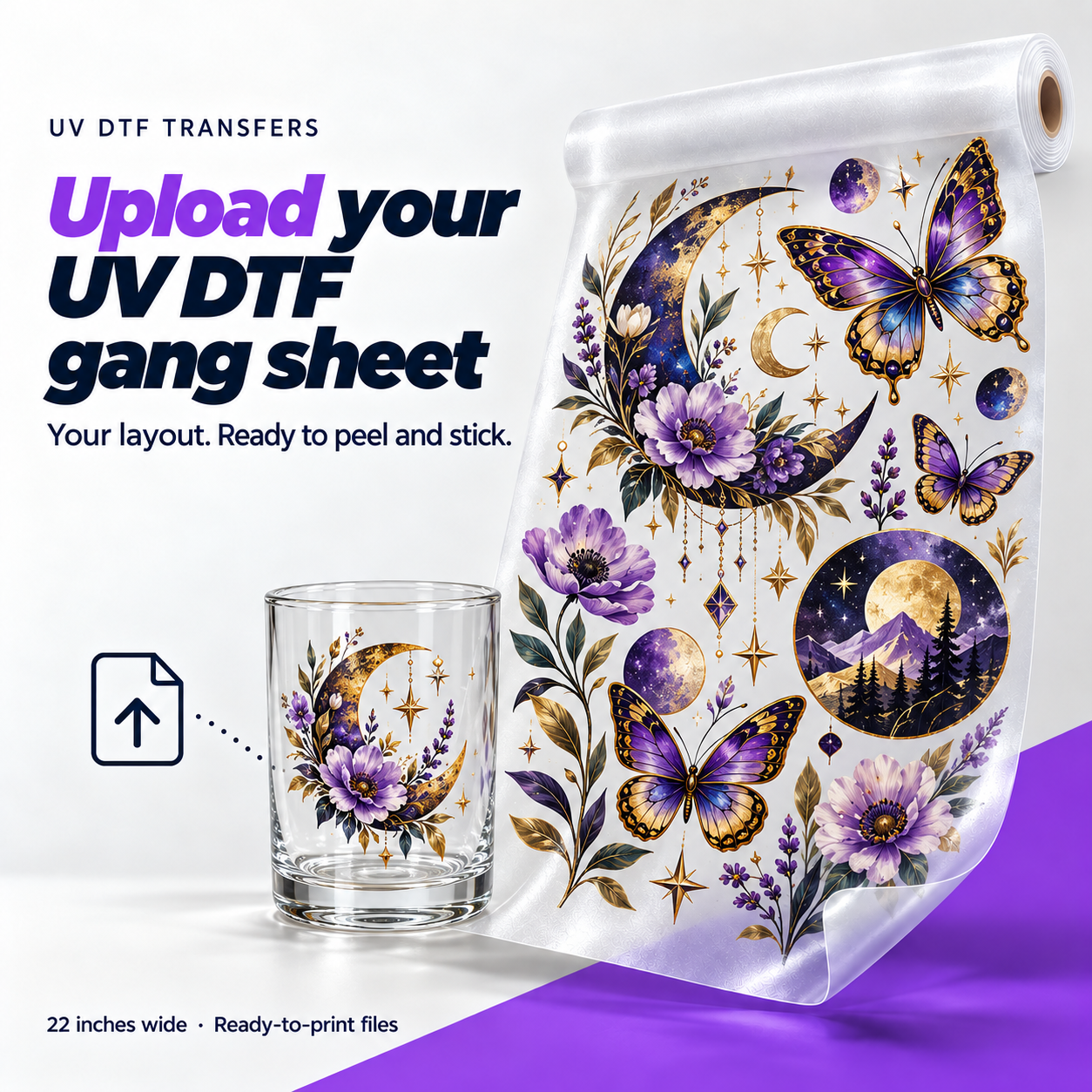
UV DTF puts your design onto a smooth object without a heat press. The artwork is printed with UV-cured ink and supplied on transfer film. Peel away the backing, position the design, rub it firmly into place and remove the clear carrier.
The result is a full-color decoration with a glossy finish. It is useful for names on drinkware, logos on jars, or a small run of acrylic signs. Unlike the DTF used on clothing, UV DTF is made for suitable hard surfaces.
Upload your finished layout at the selected sheet dimensions. We keep the designs in the positions and sizes you prepared, so check spacing, spelling and every print size before sending the file.
Choose a transparent PNG to keep unwanted backgrounds out. Aim for 300 PPI at the final print size; match the document width and length to your selected sheet.
You do not need a press or iron. Clean and dry the object first, then work across the entire design with firm pressure before lifting the carrier. Take extra care around small lettering and edges.
Surface texture and coatings affect adhesion. Test unfamiliar objects first, and hand wash decorated drinkware rather than assuming it is dishwasher-safe.
The surface makes a difference. Avoid fabric, silicone and rough, unfinished materials. Try a sample first on coated or unfamiliar objects, and keep decorations on the outside of drinkware.
Follow the application instructions supplied with your transfer.
| Choose for your project | UV DTF | DTF for apparel |
|---|---|---|
| Where it goes | Smooth hard objects, such as glass, acrylic and metal | Garments, such as T-shirts, hoodies and tote bags |
| How it is applied | Firm pressure, followed by removing the carrier | Heat application using the transfer’s press settings |
| The finish | Glossy printed decoration on the object | A flexible print that moves with the fabric |
A note on drinkware: hand wash decorated items and avoid scrubbing the print with abrasive tools. Do not assume a transfer is dishwasher-safe without confirmed product instructions.
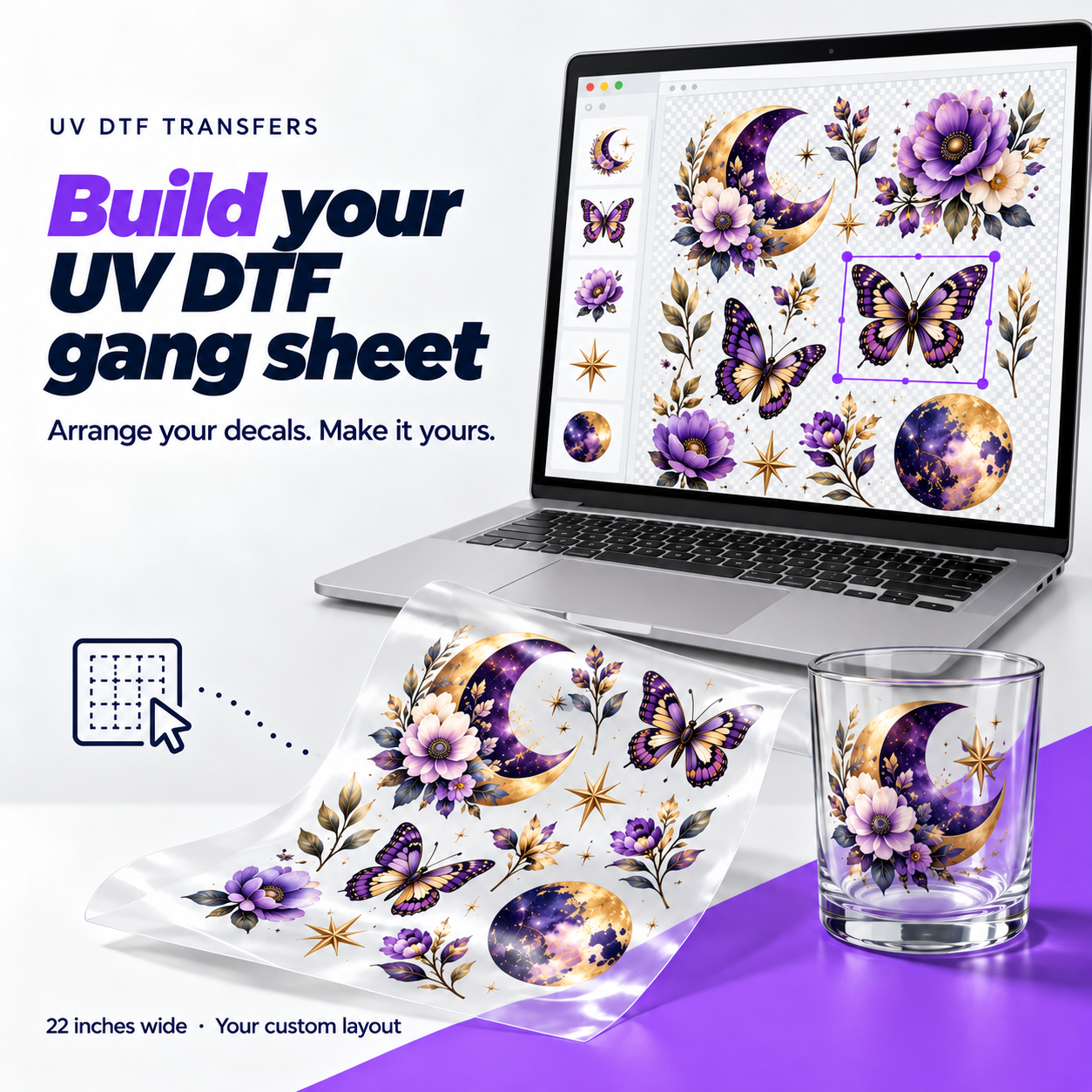
This page accepts a finished UV gang sheet. Use the UV Gang Sheet Builder if you want to upload individual designs and arrange them online.
Make it 22 inches wide with the height matching your selected sheet. All 22 inches are usable. A 300 PPI layout is 6,600 pixels wide. Use transparent PNG when you do not want a solid background.
UV DTF is for suitable smooth, hard surfaces, not fabric. Texture, coatings and surface shape can affect adhesion. Test an unfamiliar surface before decorating several items.
Measure the decoration area first. Curved and tapered objects may need a layout made for their shape. The flat preview cannot confirm how a design will wrap around your object.
The printed design stays on the surface; the carrier film is removed. Follow the UV application guide and press the design down thoroughly before removing the carrier.
Pick a sheet size and check the price for your project. Each sheet is 22 inches wide, with room for different designs and repeat prints.
Select your sheet sizeSavings compare the price per foot with the 2-foot sheet. They are already included in the prices shown.
Upload a few designs, choose their sizes and use Auto arrange. You can also move each design by hand.
Think about the number of prints you need and their finished dimensions. Compare the price per foot before choosing a larger sheet.
Use clear originals with transparent backgrounds. Aim for 300 PPI at the actual print size. Decide the size and number of copies for each design.
Leave room to separate your prints, and check the dimensions, spelling and quantities. If you already have a complete layout, use Upload Gang Sheet.
Upload your artwork and set its finished dimensions. Select that design, then choose Auto fill. The builder adds copies that fit on the current sheet, keeping the design size and your chosen spacing.
When you add or arrange more designs, the builder moves to the next available sheet size that fits them. A pop-up shows the size change, and the price updates. If the largest sheet is still too small, move the remaining designs to another sheet.
Yes. The full 22-inch width and selected length are usable, with no reserved border. Space between designs is adjustable so you can leave room to separate the transfers.
Yes. Choose Edit sheet to reopen the individual designs and change the layout. Saving replaces that project’s sheets in your cart instead of adding duplicate items.
Upload your design, choose how big you want it and tell us how many you need. You can order the same artwork in several sizes.
Upload the original file and check its resolution at the final print size.
UV DTF puts your design onto a smooth object without a heat press. The artwork is printed with UV-cured ink and supplied on transfer film. Peel away the backing, position the design, rub it firmly into place and remove the clear carrier.
The result is a full-color decoration with a glossy finish. It is useful for names on drinkware, logos on jars, or a small run of acrylic signs. Unlike the DTF used on clothing, UV DTF is made for suitable hard surfaces.
Upload your finished layout at the selected sheet dimensions. We keep the designs in the positions and sizes you prepared, so check spacing, spelling and every print size before sending the file.
Choose a transparent PNG to keep unwanted backgrounds out. Aim for 300 PPI at the final print size; match the document width and length to your selected sheet.
You do not need a press or iron. Clean and dry the object first, then work across the entire design with firm pressure before lifting the carrier. Take extra care around small lettering and edges.
Surface texture and coatings affect adhesion. Test unfamiliar objects first, and hand wash decorated drinkware rather than assuming it is dishwasher-safe.
The surface makes a difference. Avoid fabric, silicone and rough, unfinished materials. Try a sample first on coated or unfamiliar objects, and keep decorations on the outside of drinkware.
Follow the application instructions supplied with your transfer.
| Choose for your project | UV DTF | DTF for apparel |
|---|---|---|
| Where it goes | Smooth hard objects, such as glass, acrylic and metal | Garments, such as T-shirts, hoodies and tote bags |
| How it is applied | Firm pressure, followed by removing the carrier | Heat application using the transfer’s press settings |
| The finish | Glossy printed decoration on the object | A flexible print that moves with the fabric |
A note on drinkware: hand wash decorated items and avoid scrubbing the print with abrasive tools. Do not assume a transfer is dishwasher-safe without confirmed product instructions.
Upload one design per file here, then choose its dimensions and quantity. Use Upload UV Gang Sheet for a finished layout, or the UV Gang Sheet Builder to arrange individual designs.
Measure the usable area of the object. UV by-size dimensions can be up to 22 inches per side. Allow for curves, taper and any areas you do not want covered.
Yes. Add another size to the uploaded design and set its quantity separately. Check each version’s dimensions and resolution before adding it to the cart.
Pick a sheet size and check the price for your project. Each sheet is 22 inches wide, with room for different designs and repeat prints.
Select your sheet sizeSavings compare the price per foot with the 1-foot sheet. They are already included in the prices shown.
Upload a few designs, choose their sizes and use Auto arrange. You can also move each design by hand.
UV DTF puts your design onto a smooth object without a heat press. The artwork is printed with UV-cured ink and supplied on transfer film. Peel away the backing, position the design, rub it firmly into place and remove the clear carrier.
The result is a full-color decoration with a glossy finish. It is useful for names on drinkware, logos on jars, or a small run of acrylic signs. Unlike the DTF used on clothing, UV DTF is made for suitable hard surfaces.
Upload your finished layout at the selected sheet dimensions. We keep the designs in the positions and sizes you prepared, so check spacing, spelling and every print size before sending the file.
Choose a transparent PNG to keep unwanted backgrounds out. Aim for 300 PPI at the final print size; match the document width and length to your selected sheet.
You do not need a press or iron. Clean and dry the object first, then work across the entire design with firm pressure before lifting the carrier. Take extra care around small lettering and edges.
Surface texture and coatings affect adhesion. Test unfamiliar objects first, and hand wash decorated drinkware rather than assuming it is dishwasher-safe.
The surface makes a difference. Avoid fabric, silicone and rough, unfinished materials. Try a sample first on coated or unfamiliar objects, and keep decorations on the outside of drinkware.
Follow the application instructions supplied with your transfer.
| Choose for your project | UV DTF | DTF for apparel |
|---|---|---|
| Where it goes | Smooth hard objects, such as glass, acrylic and metal | Garments, such as T-shirts, hoodies and tote bags |
| How it is applied | Firm pressure, followed by removing the carrier | Heat application using the transfer’s press settings |
| The finish | Glossy printed decoration on the object | A flexible print that moves with the fabric |
A note on drinkware: hand wash decorated items and avoid scrubbing the print with abrasive tools. Do not assume a transfer is dishwasher-safe without confirmed product instructions.
Yes. Upload the designs, choose each one’s dimensions and make the copies you need. Auto arrange places them without resizing the artwork.
Auto fill repeats the selected design within the current sheet. When you add more designs or copies than the sheet can hold, the builder increases the sheet size and shows an updated price. Copies that exceed the largest available sheet can be moved to another sheet.
No. The transparency grid, white and navy preview backgrounds are only viewing aids. Any solid background already included in your original image remains part of the print.
You receive a printed UV transfer sheet to apply to suitable smooth, hard objects. Mugs, bottles and other objects shown in the photos are not included.
0 items
Add individual transfers or a prepared gang sheet to get started.
Select a sheet size, upload your print-ready file and choose your quantity. Each sheet can have its own artwork and notes.
PNG, JPG or WebP · files stay in your browser.
Upload your artwork and check the permission box to continue.
Shipping and taxes are separate. Adding artwork to your cart doesn’t place an order.
All options are 22 inches wide. Rates are USD per sheet, before shipping and taxes.
Choose SuperColor for photos, detailed artwork and colorful designs. Apply it to your garment with a heat press and peel the film while it’s warm.
Upload the finished layout at its final dimensions. We keep your placement and spacing.
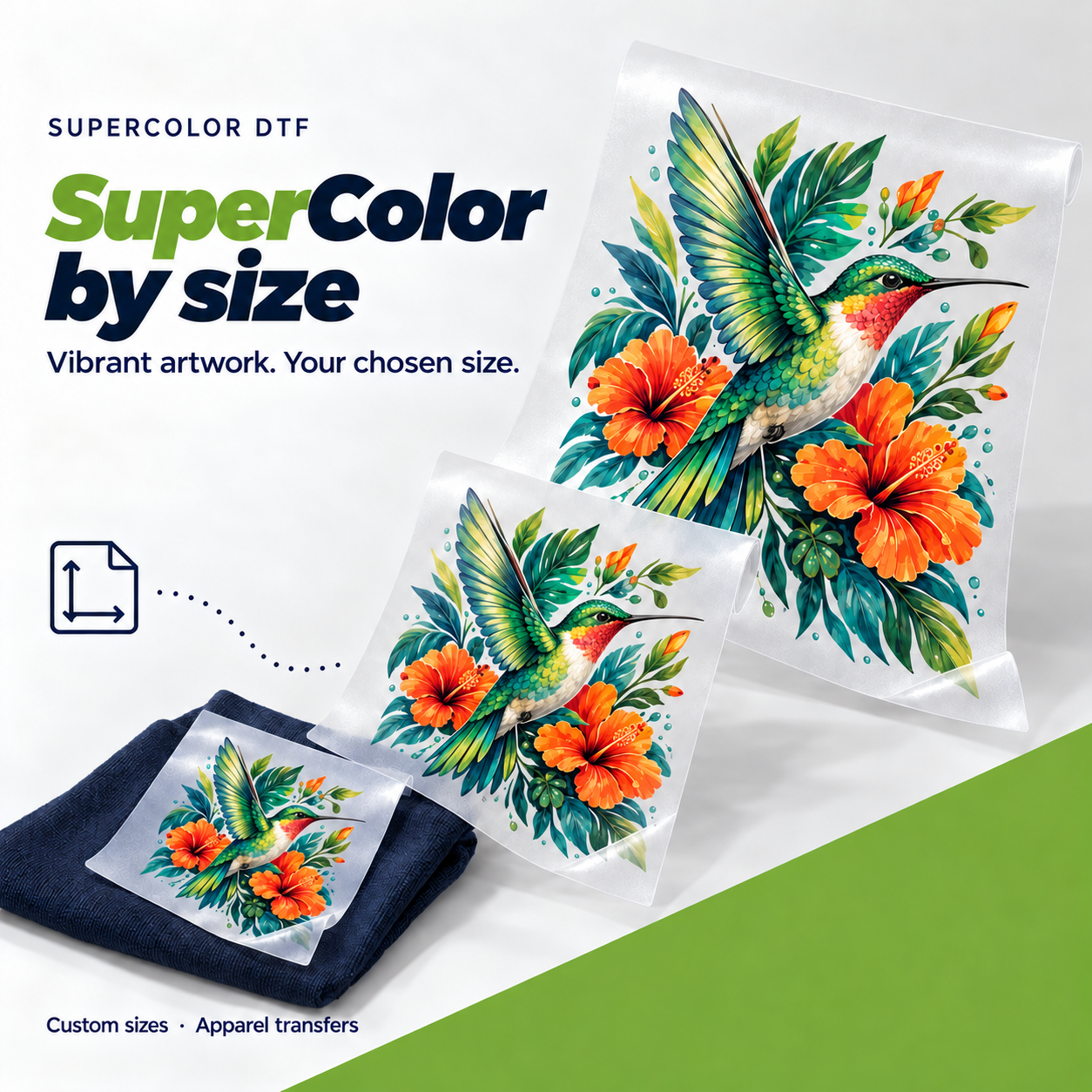
Order by size to set dimensions and quantities for each design. The form calculates the price before you add it to the cart.
Upload your design, choose how big you want it and tell us how many you need. You can order the same artwork in several sizes.
Upload the original file and check its resolution at the final print size.
Choose SuperColor for photos, detailed artwork and colorful designs. Apply it to your garment with a heat press and peel the film while it’s warm.
Upload the finished layout at its final dimensions. We keep your placement and spacing.
Order by size to set dimensions and quantities for each design. The form calculates the price before you add it to the cart.
Choose a sheet size and upload the designs. Set how many copies to print, then use Auto arrange or move each design by hand.
Choose SuperColor for photos, detailed artwork and colorful designs. Apply it to your garment with a heat press and peel the film while it’s warm.
Upload the finished layout at its final dimensions. We keep your placement and spacing.
Order by size to set dimensions and quantities for each design. The form calculates the price before you add it to the cart.