
Start with a smooth surface
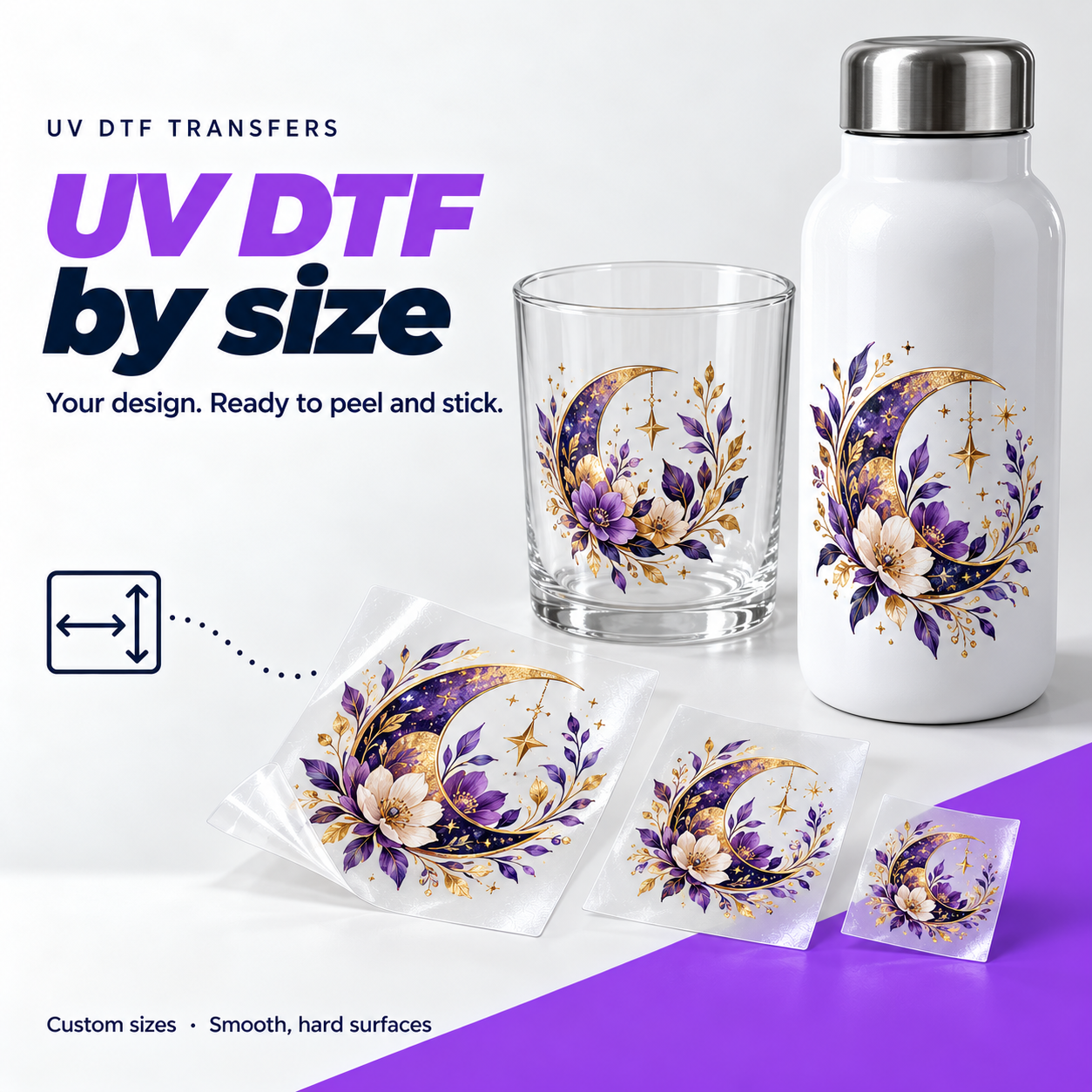
Think glass drinkware, acrylic signs, metal bottles and other smooth, rigid items. Coatings and texture affect adhesion, so test unfamiliar surfaces first. This is a different product from the DTF used on clothing.
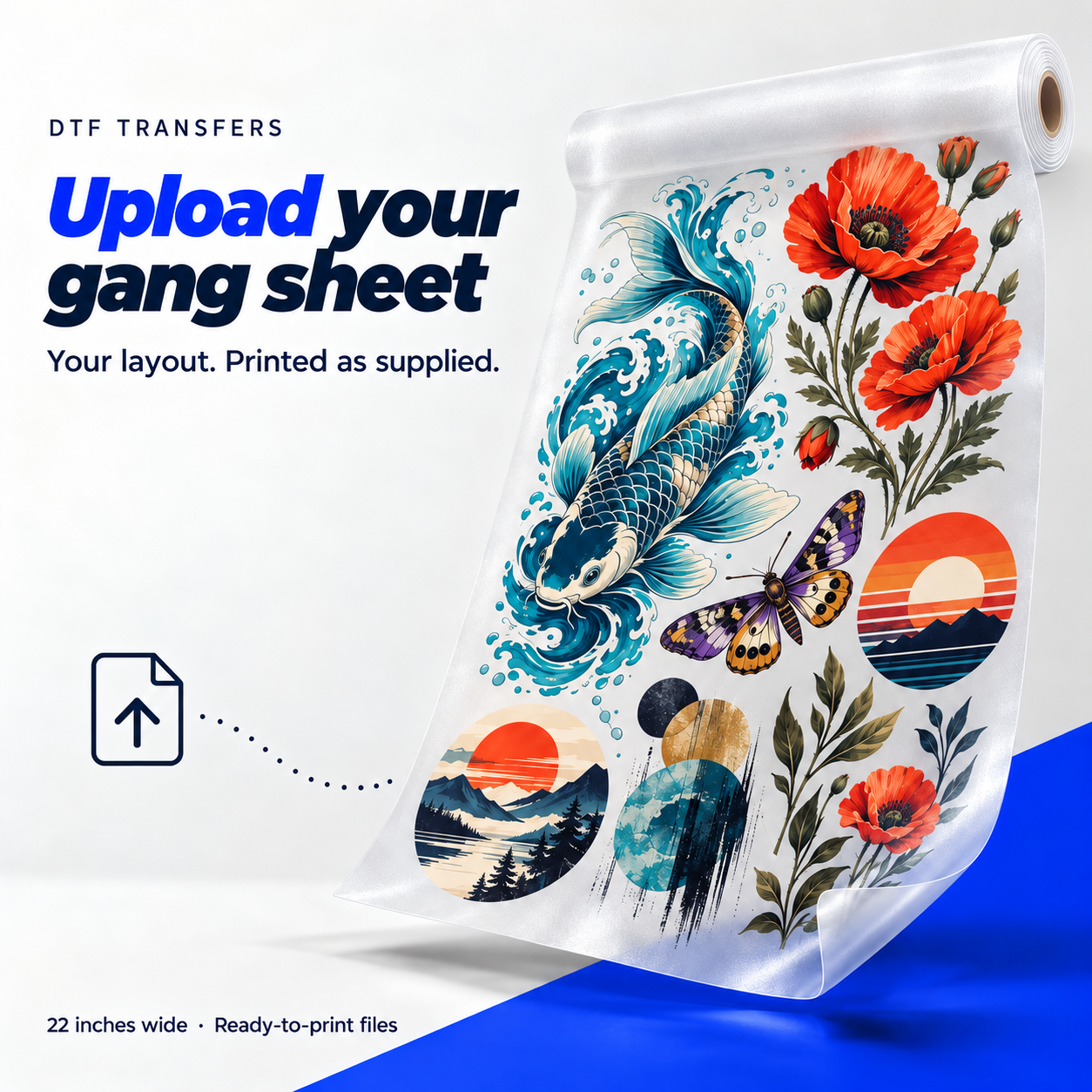
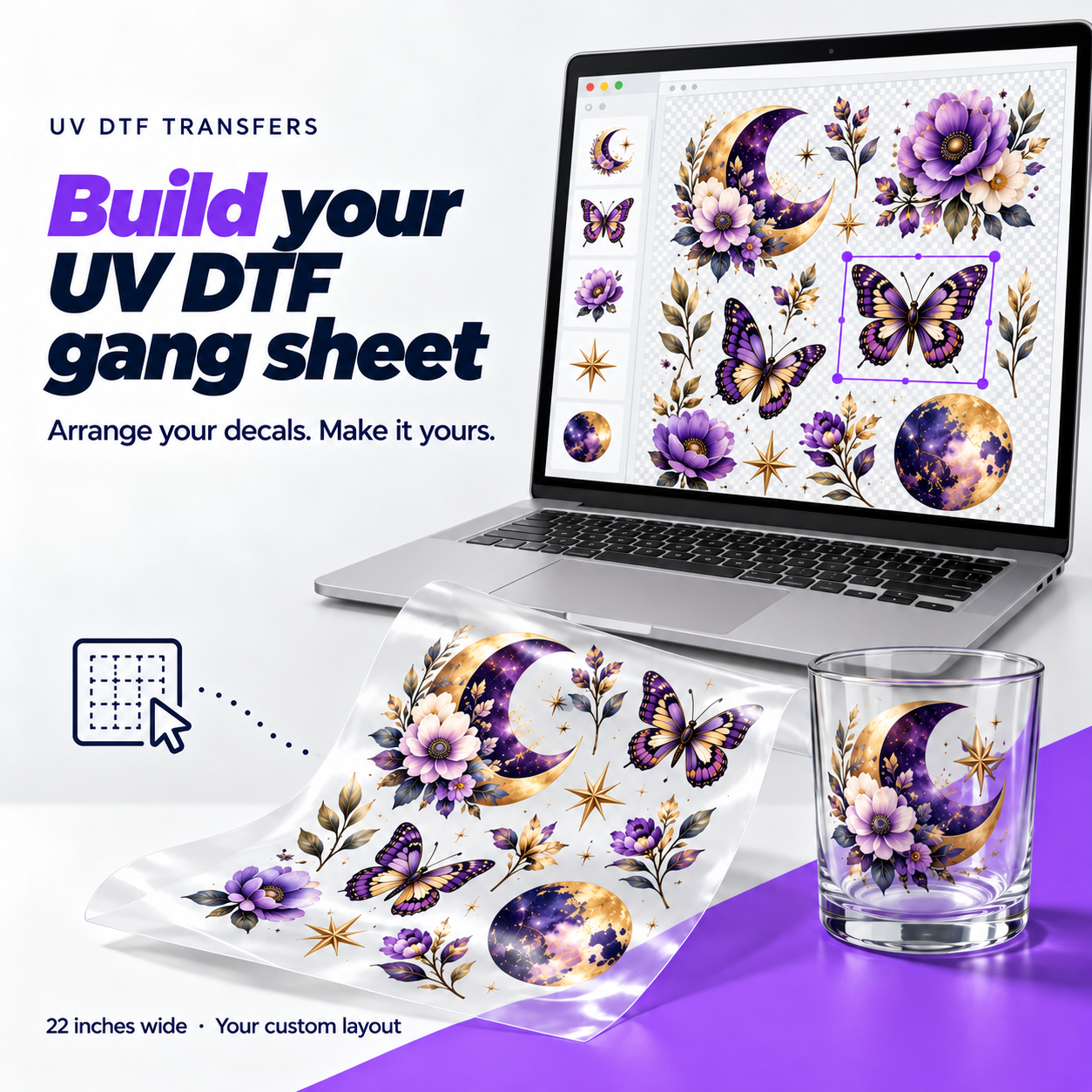
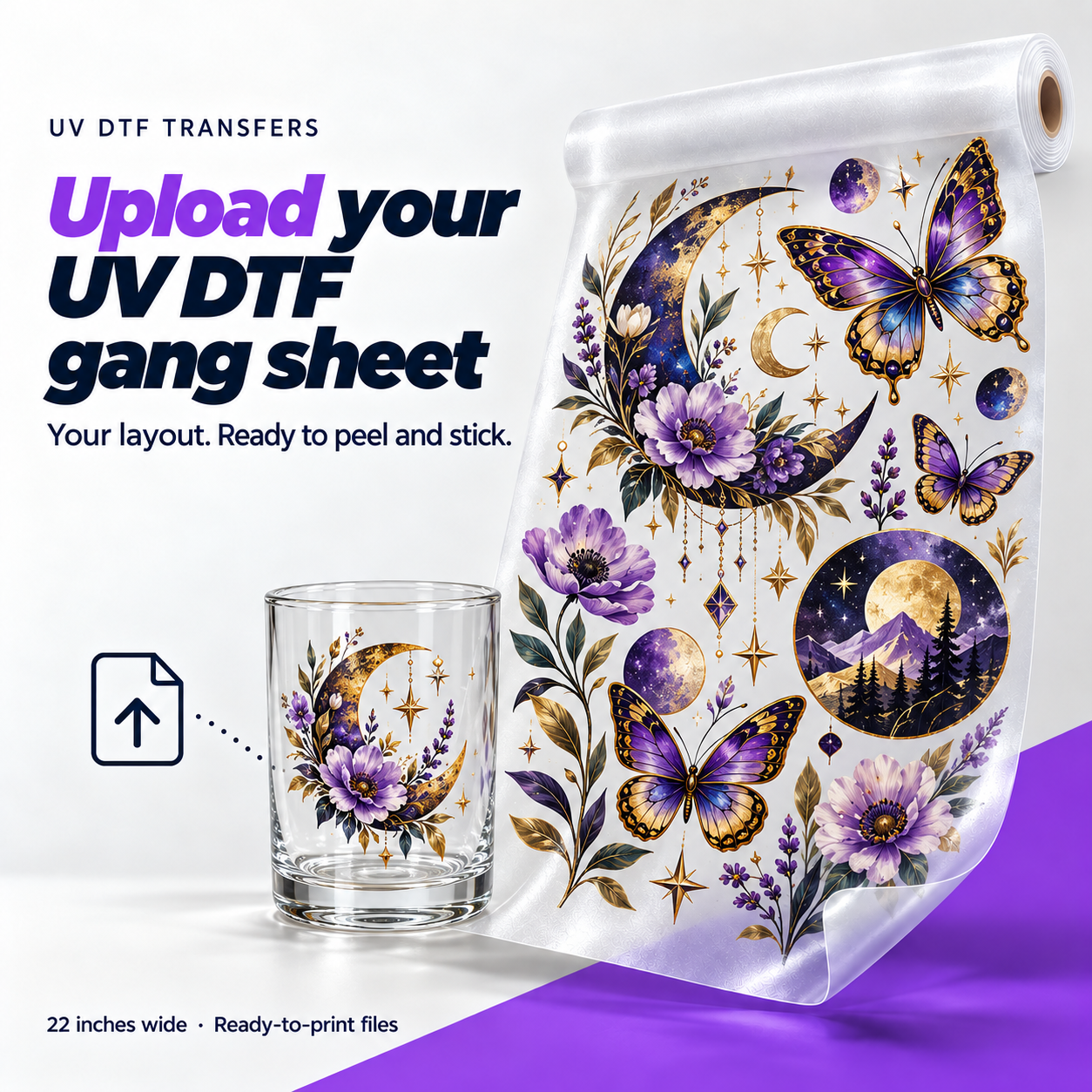
Upload a finished gang sheet at its final size. We print the layout as supplied, with the spacing and placement in the file.
Apply UV DTF to smooth, hard surfaces such as mugs, bottles and signs. Position the transfer, rub it firmly, then peel off the carrier film. The printed design stays on the surface with a glossy finish. No heat press needed.
Loading your order form…
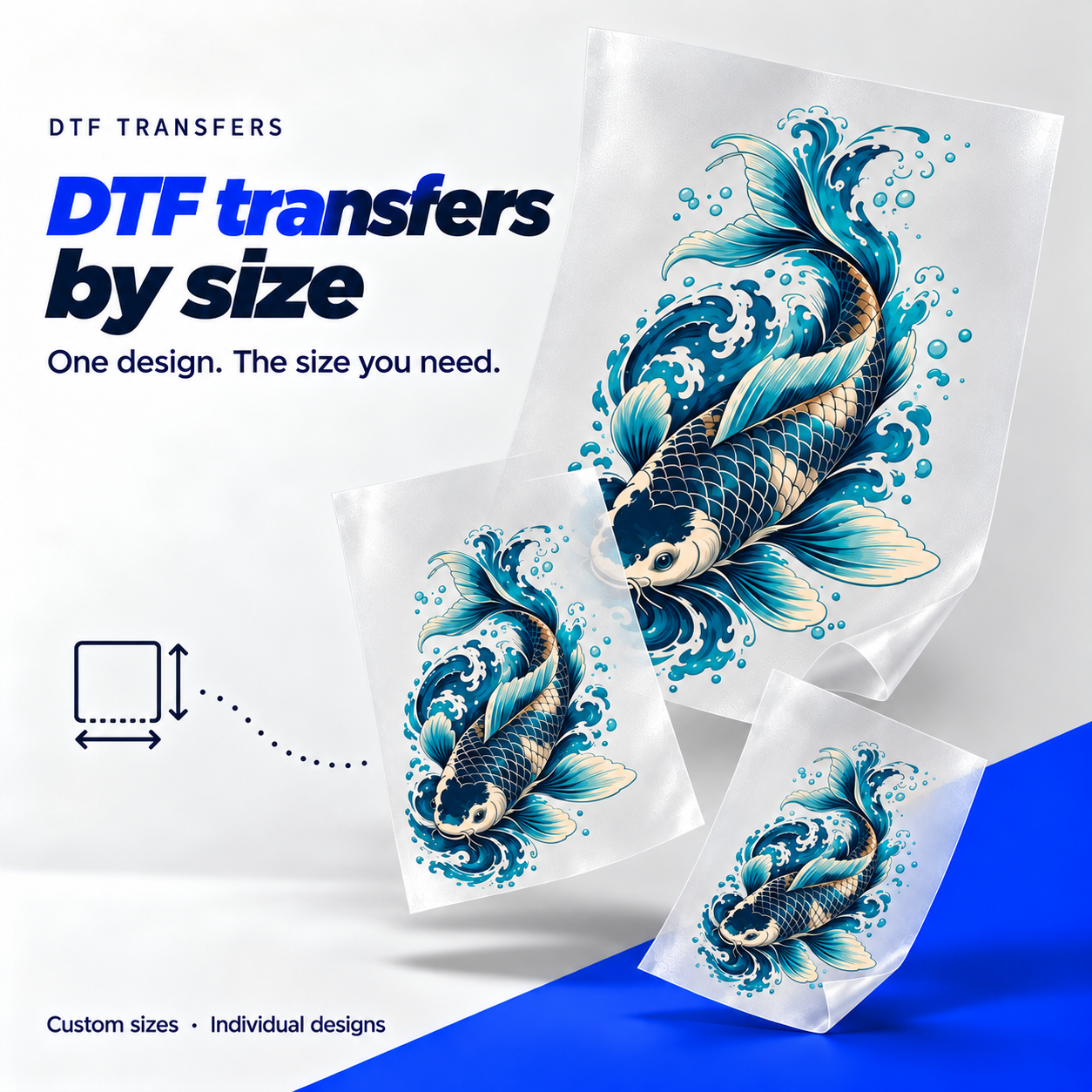
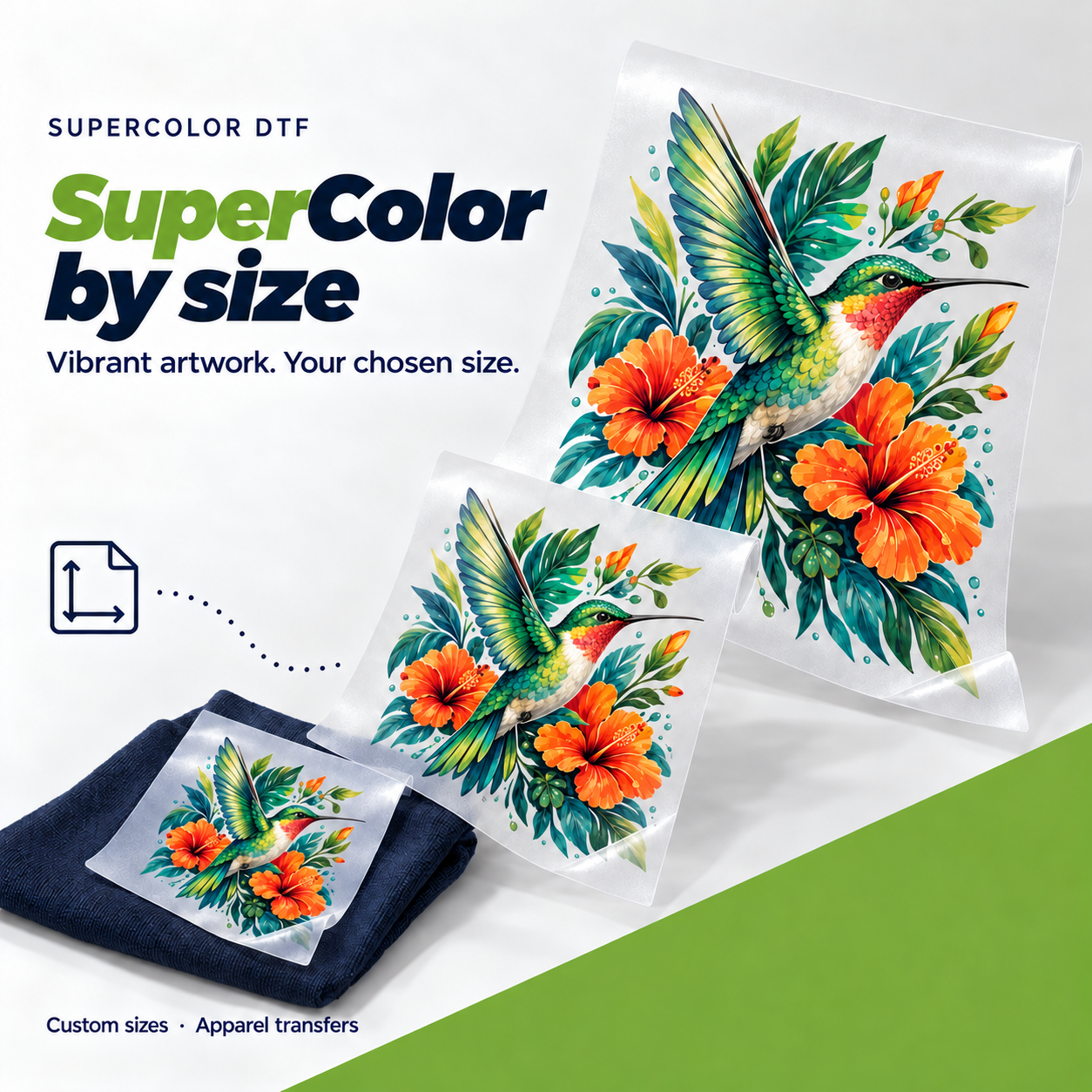
UV DTF is a printed transfer for smooth, hard objects. The printed design arrives on clear carrier film. The ink is cured with UV light during printing; you apply the finished transfer with pressure, without a heat press.
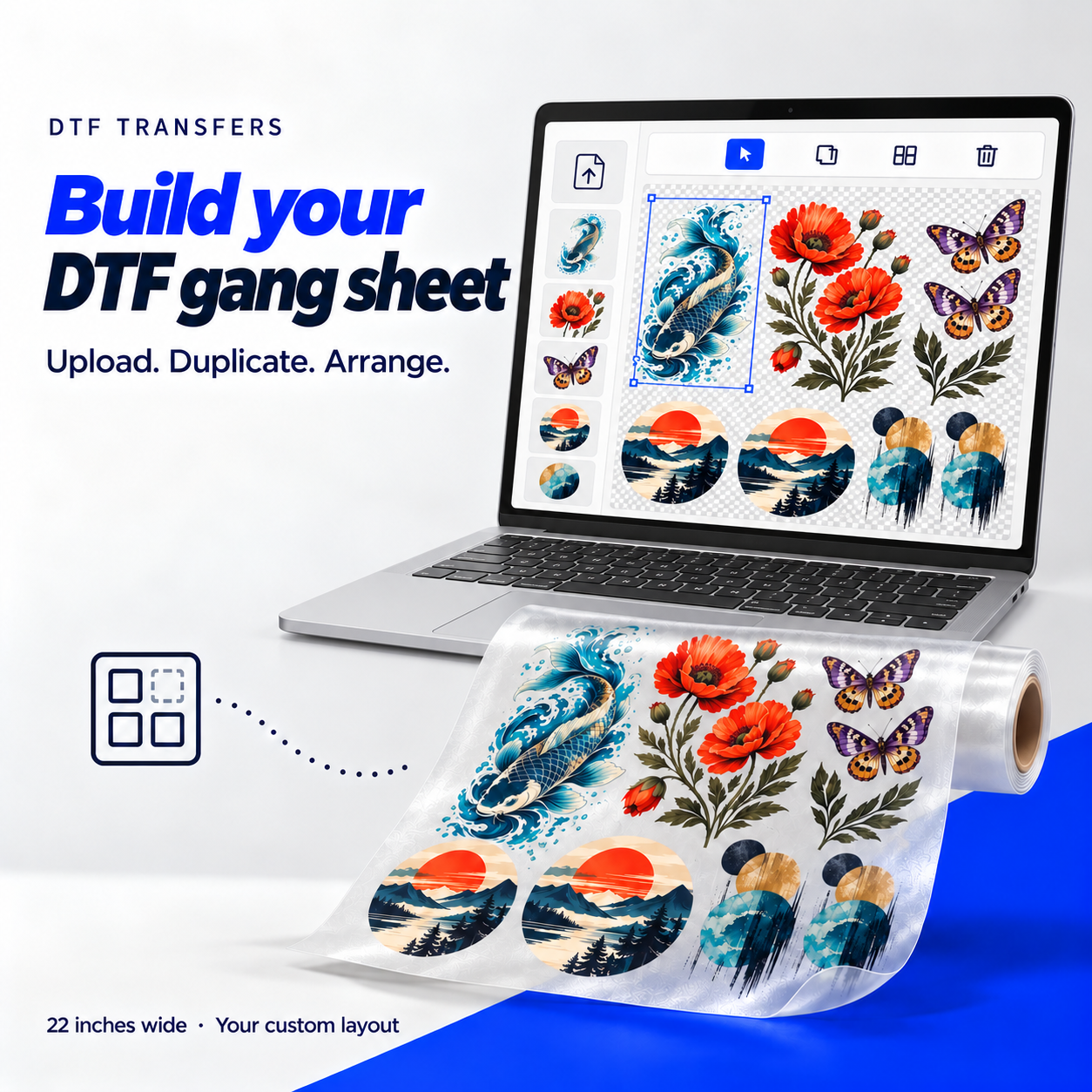
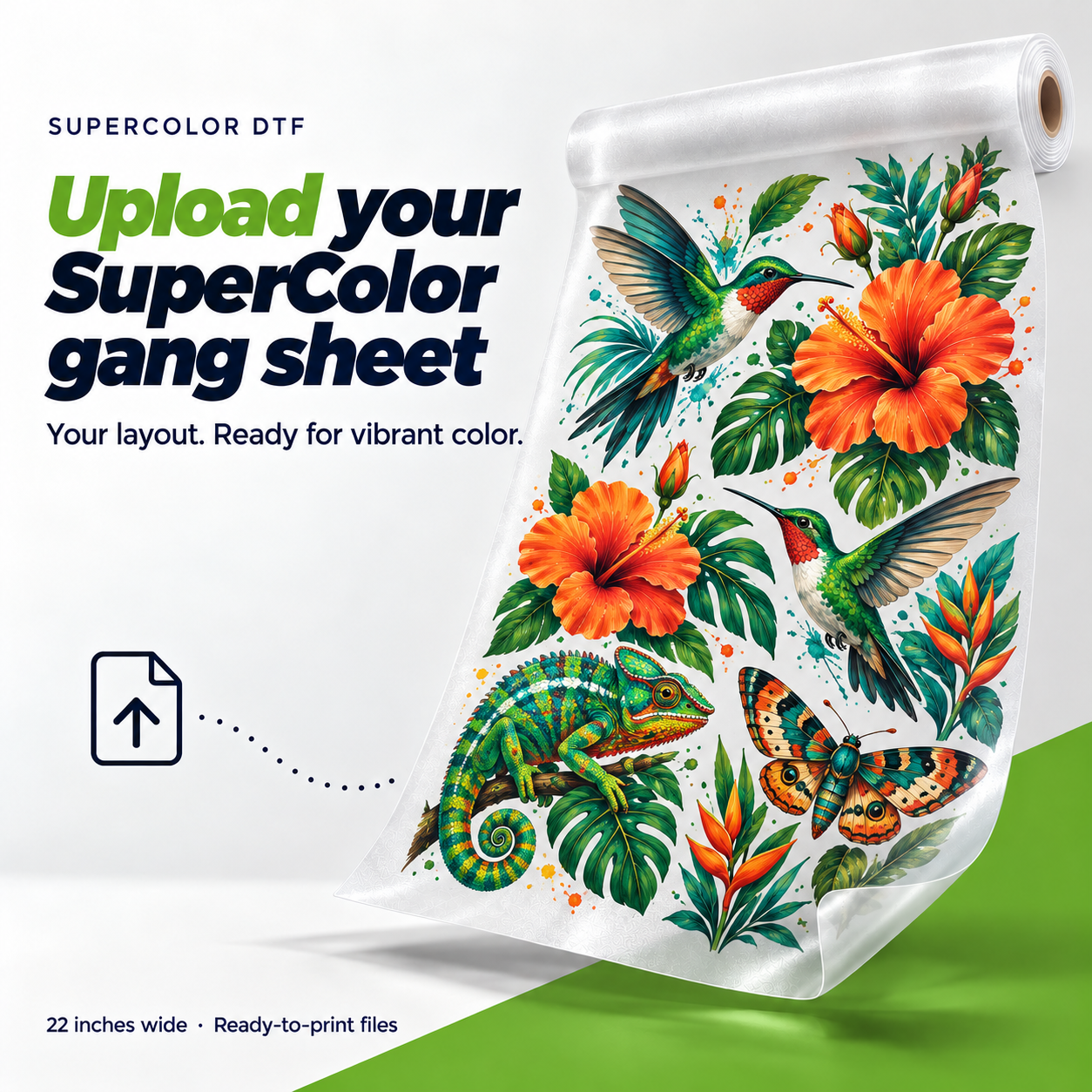
Already put your designs together? Upload your finished gang sheet. We keep the positions and spacing in your file.
Think glass drinkware, acrylic signs, metal bottles and other smooth, rigid items. Coatings and texture affect adhesion, so test unfamiliar surfaces first. This is a different product from the DTF used on clothing.
Clean and dry the object. Remove the backing, position the design, then rub firmly across the whole transfer. Lift the clear carrier slowly, checking that small details stay on the object.
After you remove the carrier, the printed artwork remains with a glossy finish. Check your file for unwanted backgrounds: any background in the artwork becomes part of the print.
Hand wash decorated drinkware and avoid abrasive scrubbing over the print. Keep designs on the outside of drinking vessels. Follow the application and care instructions supplied with your transfers.
Check the file size, background and spacing before uploading.
Make a document 22 in wide, as long as the sheet you chose. At 300 PPI that's 6,600 px across. The preview checks the file resolution and proportions.
Transparent PNG is best. JPG and WebP work, but any background stays and prints. PDF, AI, PSD, EPS and TIFF aren't supported yet.
Keep every design inside the document and leave room to cut. Check spelling, orientation and small details at print size.
Temperature, time, pressure and wash instructions come with your order with your transfers.